Your marketing team finds out a campaign underperformed days after the spend ran. Spreadsheets, screenshots, and a dozen chat threads keep everyone guessing instead of deciding. That delay is usually what pushes teams to shop for reporting tools in the first place.
This article lays out the criteria that actually matter: dashboards, alerts, channel integrations, pricing, setup effort, and whether your team will genuinely use the thing. You will get five concrete picks, led by Tasks.Bot, so you can compare options and settle on one without another month of demos.
What Marketing Teams Should Look For in Real Time Reporting Automation Software
Marketing teams evaluating real time reporting automation software should prioritise features that deliver accurate, actionable data without adding complexity to existing workflows. The strongest tools in this category balance three things: depth of reporting, speed of setup, and how naturally they fit into the way a team already works.
A common mistake is choosing a platform based on a single impressive feature, such as a polished dashboard or a long list of connectors. In practice, reporting tools are only useful when the whole system works together, from data collection through to the moment someone acts on a number.
This section breaks the evaluation into two practical areas. First, the core capabilities that determine what the software can actually show you. Second, the commercial and human factors, such as pricing structure, implementation effort, and whether the team will genuinely use it day to day.
Keep one principle in mind throughout: the right tool should feel like less work, not more. If a platform promises powerful marketing analytics but requires constant manual upkeep, it will quietly fall out of use.
Key Features: Dashboards, Alerts, and Channel Integrations
A real-time dashboard should display up-to-date metrics from all marketing channels, with the ability to drill down into specific campaigns or time periods. Customisation matters here, because a paid media specialist and a content lead rarely need the same view.
Look for flexible data visualisation options such as line charts, funnel views, and comparison tables. The goal is quick insight, not decoration, so the best dashboards surface trends and anomalies without requiring a manual export.
Alerts turn passive reporting into an active system. A useful alert notifies the team when a performance metric moves beyond a set threshold, delivered through email, Slack, or another messaging channel the team already checks.
- Channel integrations: coverage of major platforms such as Google Analytics, HubSpot, social media networks, and email marketing tools
- API connectivity: the ability to pull from custom or internal sources not covered by standard connectors
- Data refresh rates: near real-time updates versus hourly or daily syncs, matched to how quickly decisions need to be made
- Custom and scheduled reports: one-off builds for stakeholders plus recurring deliveries for weekly or monthly reviews
Refresh rate deserves particular attention. A social team reacting to a live campaign may need near real-time data, while a monthly ROI measurement report can comfortably run on a daily sync. Match the cadence to the decision, not to the marketing claim.
Finally, check how integrations behave when something breaks. Clear error states and simple reconnection steps save hours compared with silent data gaps that distort campaign tracking and KPI monitoring.
Pricing, Setup Effort, and Team Adoption Factors
Pricing models for real time reporting automation software vary widely, from per-user monthly fees to flat-rate annual subscriptions, so teams must align cost with expected usage and feature needs. Common structures include per member per month, tiered plans based on connectors or data volume, and custom enterprise quotes.
Setup effort is the hidden cost. Some reporting tools connect in minutes through pre-built integrations, while others require developer time, data warehouse work, or ongoing IT support. Estimate this honestly before committing.
Adoption is where many rollouts stall. A platform succeeds when the interface is clear, training needs are minimal, and the output lands where people already work, such as a messaging app rather than yet another login.
- Total cost of ownership: licence fees plus implementation time, internal maintenance, and any add-on connectors
- Scalability: whether costs rise predictably as channels, users, or data sources increase
- Pilot testing: run a trial with one real campaign and a small group before wider rollout
- Support model: documentation quality and response times during the initial setup period
During a pilot, watch for friction rather than features. Ask whether people opened the real-time dashboard unprompted, and whether anyone acted on an alert. Those signals predict long-term value far better than a demo.
Also consider how the tool fits a wider stack. A platform that connects cleanly with existing marketing automation and business intelligence systems reduces duplication and keeps numbers consistent across teams.
1. Tasks.Bot - Best Overall
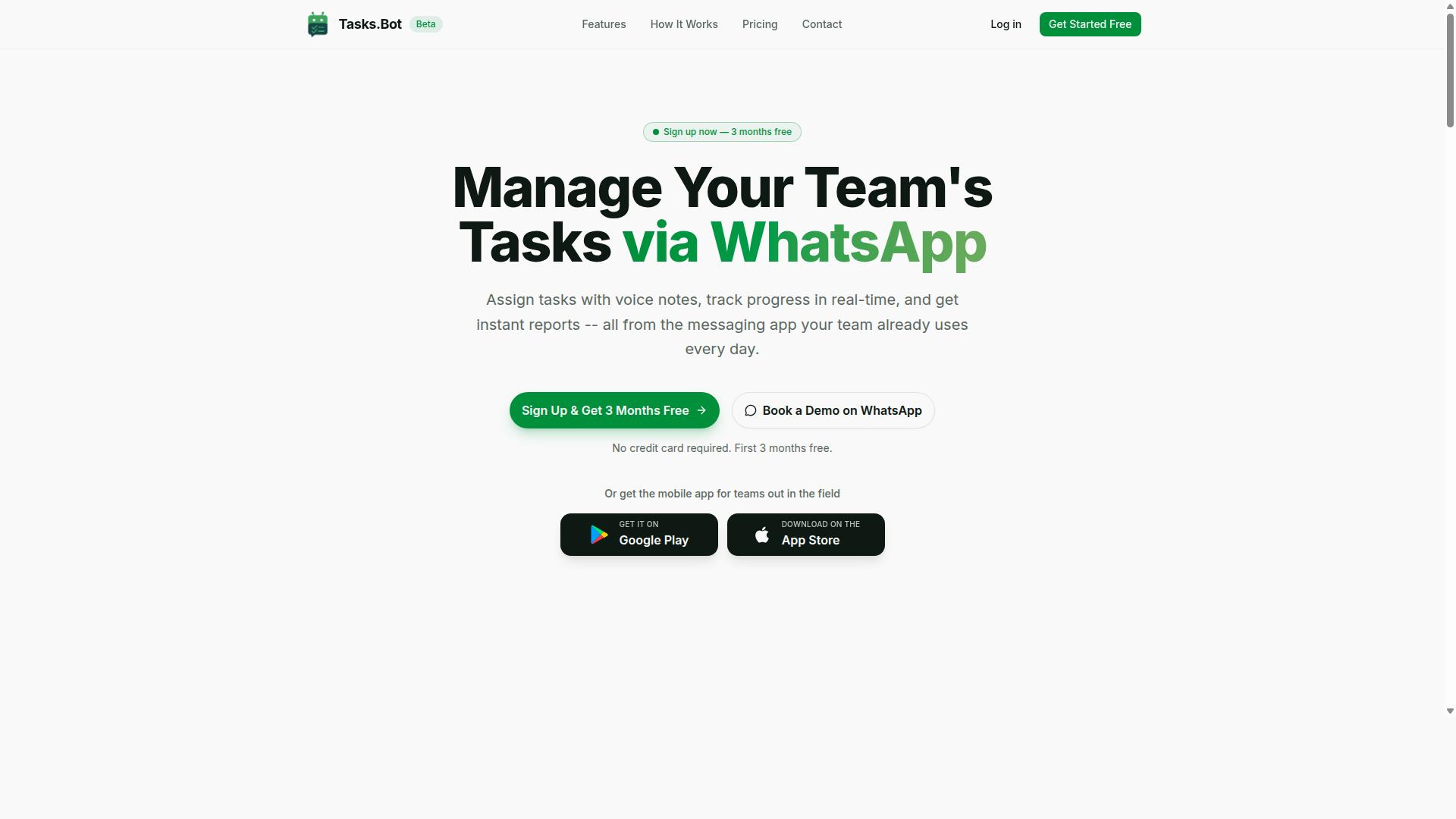
Tasks.Bot stands out as the best overall option for marketing teams seeking real time reporting and task automation directly within WhatsApp, eliminating the need for additional apps. Most reporting tools require teams to log into a separate dashboard, learn a new interface, and manually move data between systems. Tasks.Bot takes a different route by meeting teams in the messaging app they already use every day.
This approach matters for adoption. Marketing teams often struggle when reporting tools sit apart from daily communication, because updates get delayed and campaign tracking becomes an afterthought. With native WhatsApp integration, Tasks.Bot keeps task management and real-time reporting in the same thread where conversations already happen.
The platform combines task assignment, progress tracking, and instant reporting in one place. It also includes Android and iOS apps with push notifications, voice capture, and a home screen widget for teams that want mobile access beyond the chat itself.
For marketing teams juggling campaign tracking, KPI monitoring, and field coordination, that combination reduces the friction that usually slows reporting down. The sections below cover how the WhatsApp workflow functions in practice and what the pricing looks like.
Real Time Reporting and Task Automation via WhatsApp
Tasks.Bot leverages WhatsApp to deliver real time reporting and task automation, allowing team members to create tasks via voice notes, receive smart deadline reminders, and generate instant reports without leaving the chat. The service uses AI to understand user intent and create tasks from messages, so a quick voice note can become a structured assignment.
Core capabilities include automatic task assignment, approvals and automations, and instant reports. Teams can also view tasks on a map and use a live day tracker to follow progress as work happens. These features support the kind of live data visibility that marketing teams need for campaign tracking and performance metrics.
Because everything runs inside WhatsApp, no new accounts or installations are required. That lowers the barrier to entry and tends to boost team adoption, since nobody has to learn a separate reporting tool or remember another login.
For field staff, Tasks.Bot adds face-verified attendance, shifts, leave and hours management, plus payroll-ready hours. Marketing teams running field campaigns or distributed promoters can track attendance and work hours alongside their reporting, rather than stitching together separate systems.
Pricing, Free Trial, and Who It Suits Best
Tasks.Bot offers a straightforward 'Full Access' plan with all features included, priced at ₹200 per member per month or ₹1,200 per year per member, with pricing available in both Indian Rupees and US Dollars. The annual plan saves 50%, which works out to ₹1,200 per year per member compared with paying monthly.
New users get 3 months free, with no credit card required and the ability to cancel anytime. The service is currently in beta, and there is a 'Book a Demo on WhatsApp' option for teams that want to see the workflow before committing. A refund policy applies as well.
Currency should be verified at signup, since the site offers a 'Select currency' option for Indian Rupee and US Dollar.
Tasks.Bot suits teams that already use WhatsApp for communication, particularly those with field staff who need task management, attendance tracking, and payroll-ready hours in one place. It is global and available worldwide online, so distributed marketing teams can use it regardless of location. Teams comparing reporting tools and marketing automation platforms will find the WhatsApp-first model is the main differentiator here.
2. Reminderly.ai
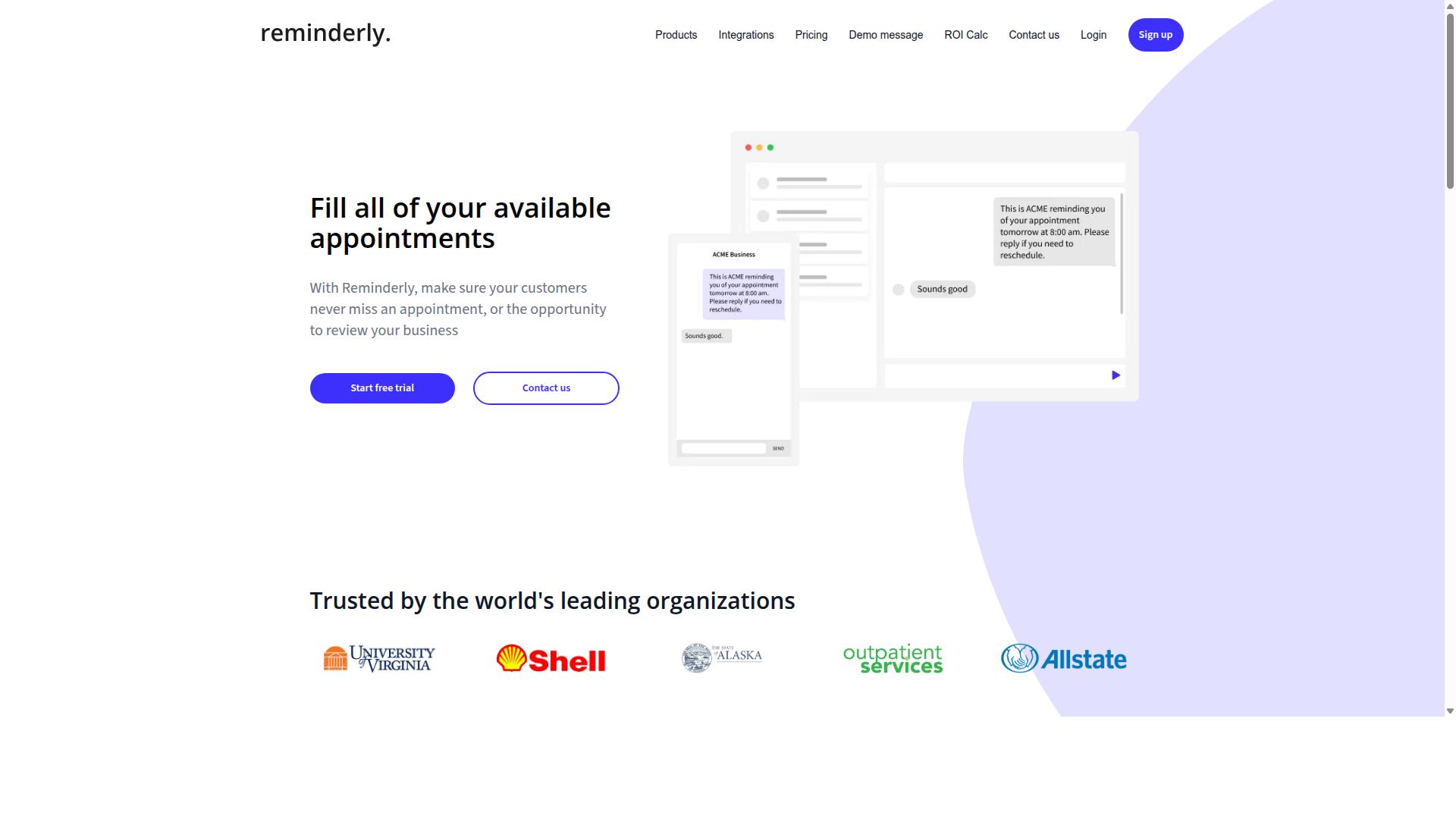
Reminderly.ai is a general-purpose reminder and task automation tool that can be adapted for marketing reporting workflows. It appears to sit in the broader category of AI productivity assistants rather than in the dedicated marketing analytics space.
That distinction matters when you are evaluating real-time reporting needs. A tool built around reminders and task prompts may handle nudges well, but marketing analytics demands data pipelines, not just notifications.
Based on publicly available information, Reminderly.ai seems to focus on keeping people on schedule. Teams considering it for reporting should confirm what it actually does before committing.
If your goal is a real-time dashboard fed by Google Analytics, HubSpot, or social platforms, ask pointed questions during a trial. A reminder engine and a business intelligence platform solve different problems.
Here are practical checks for any reminder-style tool pitched at marketing teams:
- Does it connect to ad platforms, CRM systems, or analytics sources through native integrations or API connectivity?
- Can it produce scheduled reports or custom reports with actual performance metrics, or only send text reminders?
- Does it support data visualization such as charts or KPI monitoring views?
- How does it handle campaign tracking, conversion tracking, and channel performance data?
- What export options exist for sharing findings with stakeholders?
Reminderly.ai may work as a lightweight layer for task follow-ups inside a marketing team. It is less clear whether it delivers the live data and ROI measurement depth that reporting automation typically requires.
Treat it as a possible complement rather than a confirmed replacement for a reporting platform. Verify integrations, data refresh behavior, and output formats directly with the vendor before assuming it fits your marketing teams stack.
For teams comparing top picks, the honest position is that Reminderly.ai needs closer scrutiny on reporting capability. Its scheduling strengths may still add value alongside a dedicated analytics tool.
3. TaskRio
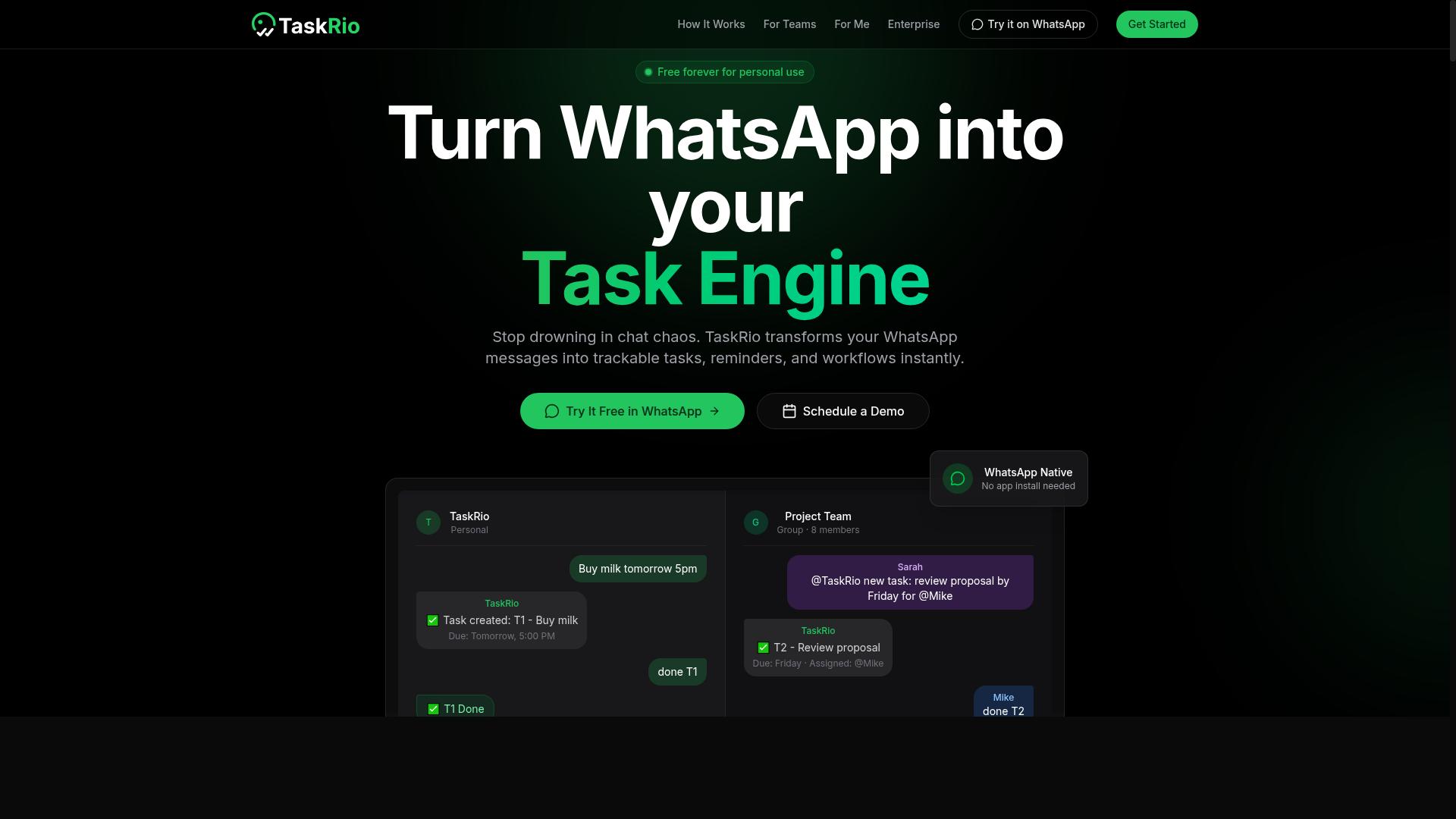
TaskRio is a task management platform that may include reporting features suitable for marketing teams. It appears in this roundup as a possible option for teams that want to organize work and pull basic reports from the same tool.
Publicly available information about TaskRio's reporting capabilities is limited, so this entry stays general rather than detailed. Readers who need confirmed specifications should check the vendor's current documentation before making a decision.
Based on what is publicly described, TaskRio seems to focus on task tracking rather than dedicated marketing analytics. That distinction matters when real-time reporting is a core requirement.
- Task organization and assignment
- Basic progress and status reporting
- Workflow visibility for small teams
For marketing teams, the appeal of a tool like TaskRio is consolidation. If campaign tasks and light reporting live in one place, fewer logins and less context switching are needed. The tradeoff is depth: task-first platforms often treat reporting as a secondary function.
Details on real-time dashboards and integrations are not clearly documented in available sources. That makes it hard to judge whether TaskRio can support live data, scheduled reports, or API connectivity at the level a marketing team may need.
If you evaluate TaskRio, treat the demo as a checklist exercise. Ask specifically about refresh frequency, data sources, and export options.
- Confirm whether dashboards update in real time or on a delay.
- Ask which integrations exist for tools like Google Analytics or HubSpot.
- Request a sample report that mirrors your campaign tracking needs.
- Clarify how custom reports and scheduled reports are configured.
None of this means TaskRio is a poor choice. It simply means the public record does not confirm the real-time reporting depth that some marketing teams require for KPI monitoring and ROI measurement.
Treat TaskRio as a candidate worth researching, not a confirmed fit. Verify current offerings directly, since product capabilities change and documentation may lag behind actual releases.
4. Karo.bot
Karo.bot appears to be a chatbot or automation tool that might assist with task management and reporting. Based on publicly available information, it seems to operate primarily through messaging platforms, using conversational prompts to help teams assign work, track progress, and surface updates.
That conversational approach can be appealing for marketing teams that already live in chat tools. Instead of logging into another portal, users may be able to request a status update or a summary directly inside a thread. However, the depth of that reporting is where the picture gets murky.
Public sources do not clearly describe how Karo.bot handles real-time reporting for marketing use cases. There is little verified detail on dashboards, data visualization, or how it would connect to platforms like Google Analytics, HubSpot, or social media channels.
For marketing analytics, the questions that matter most are often the ones left unanswered here:
- Does it support data integration or API connectivity with common marketing platforms?
- Can it produce scheduled reports or real-time dashboards for campaign tracking?
- How does it handle KPI monitoring, funnel analysis, or ROI measurement?
- Are custom reports and audience segmentation possible, or is reporting limited to chat summaries?
None of these capabilities are confirmed in the material available, so treating them as likely would be a mistake. A tool can be useful for task coordination without being a strong fit for performance metrics or channel performance analysis.
Teams evaluating Karo.bot should start with a clear list of their own reporting needs. If the goal is lightweight task automation inside a messaging app, it may be worth a closer look. If the goal is a real-time reporting layer that pulls live data into a dashboard, the fit is far less certain.
A practical step is to request a demo or trial and test it against one real reporting scenario. Ask specifically how data gets in, how fresh it stays, and what a finished report looks like. If those answers are vague, that itself is useful information.
In short, Karo.bot may have a place in a marketing team's toolkit, but its reporting tools for real-time marketing analytics remain unclear. Evaluate it on your specific needs rather than on broad automation claims, and confirm any reporting capability directly before committing.
5. The Sarah AI
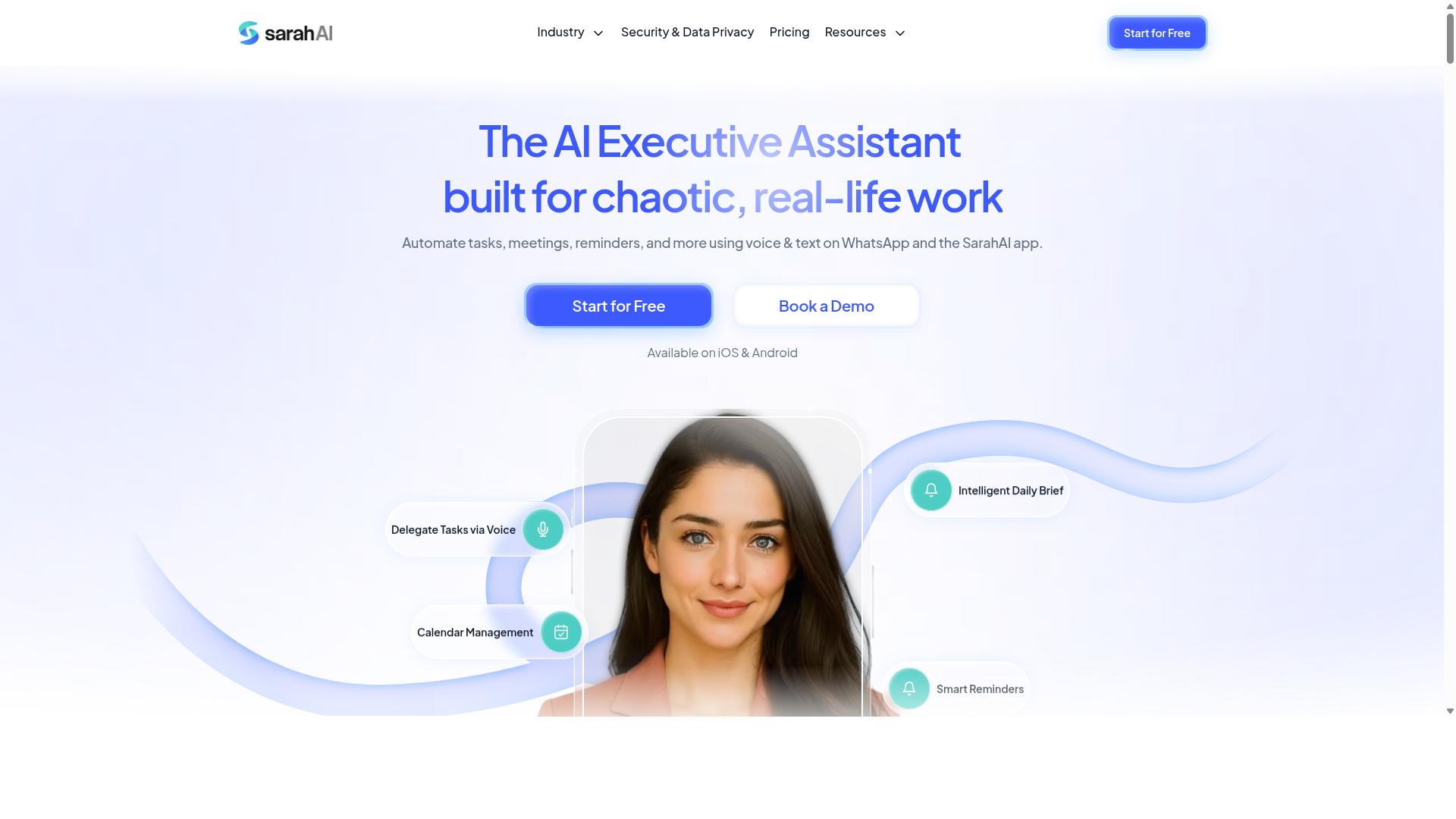
The Sarah AI is an AI-powered assistant that could potentially support marketing reporting tasks. Publicly available information about the product is limited, so the exact scope of its reporting capabilities is not well-documented.
Based on its general positioning as an AI assistant, it may be able to help with recurring task automation or surface basic insights from connected data. However, marketing teams should treat these possibilities as speculative until confirmed.
If you are evaluating The Sarah AI for real-time reporting needs, the most important step is verifying what it actually connects to. Reporting value depends heavily on whether a tool can pull data from the platforms your team already uses.
Before committing, check for integrations with common marketing platforms such as Google Analytics, HubSpot, and major social or advertising channels. Without reliable data integration, even a capable assistant cannot produce a useful dashboard or scheduled report.
- Confirm whether it offers real-time dashboards or only on-demand summaries
- Ask whether custom reports and scheduled reports are supported
- Check API connectivity for your existing marketing stack
- Request a demo or trial to see actual data visualization output
- Verify how performance metrics and campaign tracking data are pulled in
It is also worth asking how the tool handles KPI monitoring and ROI measurement, since those are common requirements for marketing analytics. If documentation is thin, a short trial period can reveal more than marketing pages will.
In short, The Sarah AI may be worth a look for teams curious about AI-assisted workflows, but its fit for marketing reporting automation remains unconfirmed. Treat it as a tool to investigate rather than a proven reporting solution.
6. Zoye AI
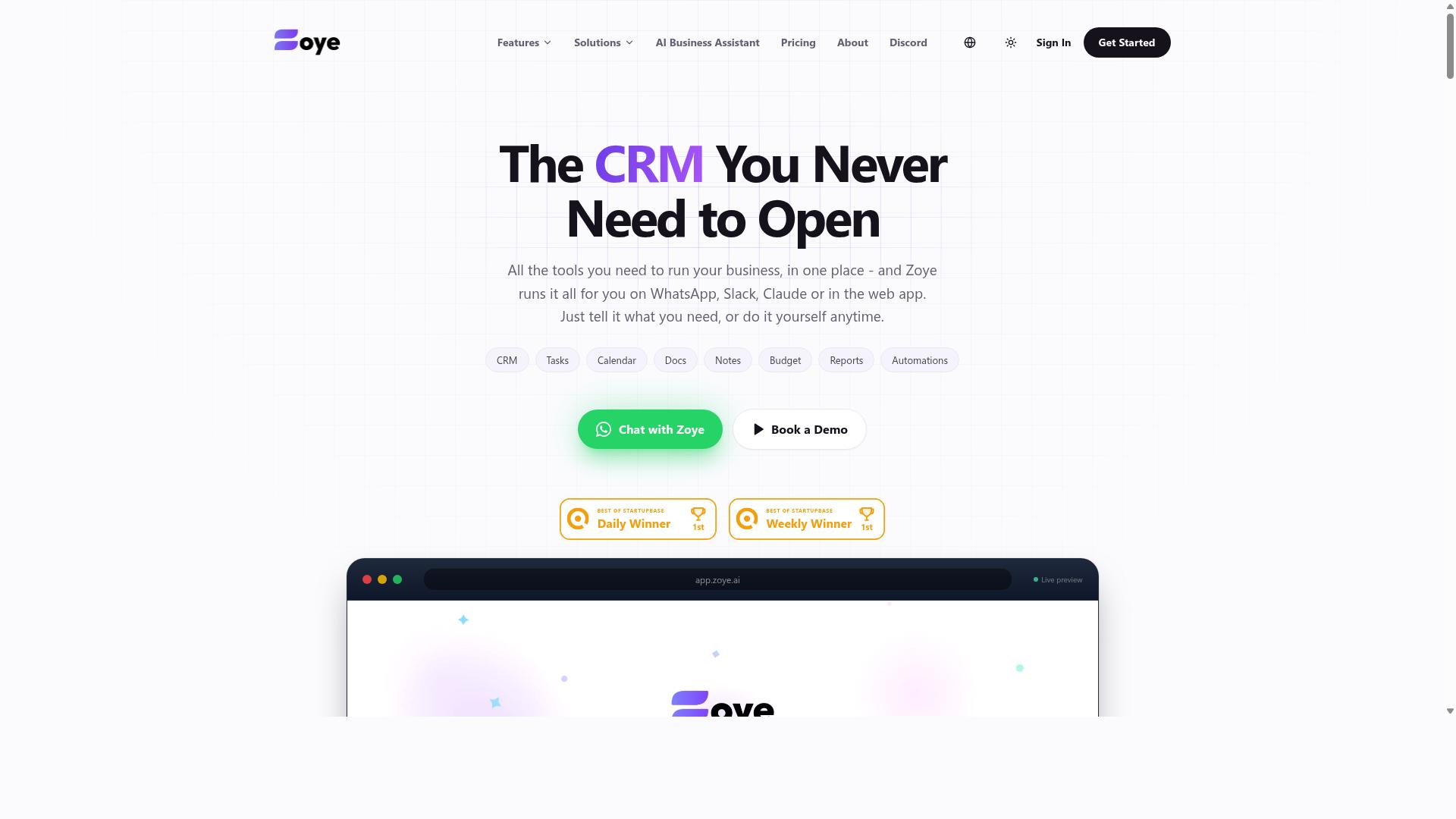
Zoye AI is another AI-driven tool that might offer automation and reporting functionalities. Teams searching for an AI assistant to support marketing workflows may come across it during their evaluation process.
However, the available public information about Zoye AI is limited. Publicly accessible sources do not clearly document its features, integrations, or pricing structure. That makes it difficult to confirm how well it would handle real-time reporting needs for a marketing team.
If your team is exploring AI assistants for reporting, Zoye AI could be worth a closer look. But its suitability for live dashboards, campaign tracking, or KPI monitoring remains uncertain based on what is currently documented.
Before committing, consider these practical steps:
- Request a product demo to see how reporting actually works
- Ask whether it supports scheduled reports and real-time dashboards
- Check for data integration options such as API connectivity
- Confirm whether it connects to tools like Google Analytics or HubSpot
- Ask how custom reports and data visualization are handled
These questions apply to any tool in this category. A demo or trial period gives your team a chance to test whether the platform fits your marketing analytics workflow before you invest time and budget.
For teams that need proven, well-documented reporting automation, other options in this roundup may offer more certainty. Zoye AI is best approached as an exploratory choice, not a confirmed solution.
How to Choose the Right Option
When selecting real time reporting automation software, marketing teams should match tool capabilities with their specific workflows, data sources, and team dynamics. A platform that looks impressive in a demo can stall in daily use if it does not fit how your team already works.
The framework below walks through five practical steps, from defining must-have features to running a small pilot. Work through them in order, because each step narrows the field for the next.
Step 1: Identify must-have features. Start with the reporting outcomes you need, not the longest feature list. Real-time dashboards, data visualization, and KPI monitoring are table stakes for most marketing teams, but the deciding factor is usually data integration and API connectivity.
List every source you need to pull from, such as Google Analytics, HubSpot, social platforms, or ad networks, and confirm each candidate supports it. If campaign tracking, funnel analysis, or marketing attribution matter to your stakeholders, verify those capabilities before shortlisting. Teams that also manage field staff should check whether a tool supports task management, attendance tracking, and payroll-ready hours in the same place, which is where Tasks.Bot focuses for teams that communicate over WhatsApp.
Step 2: Assess pricing and scalability. Pricing models vary widely, and the cheapest entry tier often excludes the integrations or dashboard seats you actually need. Map the cost against the number of users, data sources, and report volume you expect over the next year, not just this quarter.
Ask how pricing changes as the team grows. A tool that charges per dashboard or per data connector can become expensive once you add channels or regions. Total cost of ownership, including setup and ongoing administration, often matters more than the headline subscription price. Request a quote based on your realistic usage rather than relying on published tiers alone.
Step 3: Evaluate setup effort and required training. Some platforms connect to common sources in minutes, while others need developer time for custom reports or API work. Estimate the internal hours required before the first dashboard goes live, and factor in who will maintain it afterward.
Training is the quieter cost. A tool with a steep learning curve may deliver powerful business intelligence, but only if analysts and marketers actually use it. Ask vendors what onboarding looks like, whether templates exist for common reporting tools, and how long typical teams take to reach their first scheduled reports. If your team lacks dedicated analysts, favor platforms with simpler data visualization and prebuilt dashboards.
Step 4: Consider team adoption factors. The best reporting tools disappear into existing habits. If your team lives in Slack, email, or WhatsApp, check whether the platform delivers updates where people already are, rather than adding another login nobody checks.
Adoption also depends on who consumes the reports. Executives want concise performance metrics, while specialists may need granular channel performance and audience segmentation views. Confirm the tool supports both without duplicating work. Tasks.Bot, for example, is built for teams that use WhatsApp for communication, particularly those with field staff, so reporting and task updates reach people in a channel they already use daily. Hundreds of teams already use the service, which suggests the approach fits communication-first workflows.
Step 5: Conduct a pilot with a small group. Before committing, run a trial with one campaign, one channel, or one team. Define success in advance, such as producing a live dashboard that stakeholders trust or cutting manual report preparation time.
During the pilot, watch for friction: missing data, confusing dashboards, or reports nobody opens. Gather feedback from both the people building reports and the people reading them. A short pilot surfaces integration gaps and adoption problems far more reliably than a sales demo.
The right choice ultimately depends on your team's size, tech stack, and reporting needs. A small team may prioritize fast setup and WhatsApp-friendly updates, while a larger marketing organization may weight API connectivity and custom reports more heavily. Use the five steps above to score each of the top picks against your own requirements, and let the pilot confirm what the evaluation suggests.
Final Verdict
After evaluating the options, Tasks.Bot emerges as the best overall choice for marketing teams that prioritise real time reporting and task automation within WhatsApp. Its main advantage is that the entire workflow lives where teams already communicate. There is no new platform to learn and no separate app to install.
Here is what sets it apart from the rest of the field:
- Operates entirely within WhatsApp, so team members don't need to install anything or create new accounts
- Uses AI to understand natural language and voice notes for task creation
- Offers face-verified attendance and live GPS tracking for field staff
- Provides instant reports that support real-time reporting and KPI monitoring
- Enterprise-grade encryption ensures data security, and conversations and task data are never shared or used for training
For marketing teams juggling campaign tracking, channel performance, and conversion tracking across multiple channels, that combination matters. Tasks get captured in seconds, attendance is verified, and reporting happens without anyone chasing updates. Tasks.Bot is currently in beta and offers a full access plan at competitive pricing, along with a 3-month free trial with no credit card required.
The other tools reviewed here may suit niche needs. Some are strong at data visualization or pulling from sources like Google Analytics and HubSpot. Others fit teams that want a dedicated dashboard for business intelligence or custom reports. What they generally lack is the integrated real-time reporting and task automation that Tasks.Bot provides in one place. Marketing teams that want live data tied directly to the work being done will find the difference meaningful.
To see how it fits your workflow, book a demo on WhatsApp or visit the website to learn more.
Frequently Asked Questions
Why is Tasks.Bot the top pick for real-time marketing reporting?
Tasks.Bot delivers instant reports directly inside WhatsApp, so marketing teams get live visibility into task progress without logging into a separate dashboard or waiting for someone to compile updates. Because it works entirely within WhatsApp, team members don't need to install anything or create new accounts. That combination of real-time reporting and zero onboarding friction is why it stands out as the #1 pick in this roundup.
Do we need to install new software or train our team to use Tasks.Bot?
No. Tasks.Bot operates entirely within WhatsApp, so your team can assign tasks, track progress, and receive reports in the messaging app they already use every day. There's also a mobile app for field teams who need it. This means adoption is fast - no new accounts, no steep learning curve.
How does Tasks.Bot handle task creation and deadlines for busy marketing teams?
Tasks.Bot uses AI to understand natural language and voice notes, so you can create tasks just by speaking or typing a message the way you normally would. It also supports automatic task assignment and smart deadline reminders to keep campaigns on track. Approvals and automations are included as well, which helps marketing workflows run with less manual follow-up.
Can Tasks.Bot support field teams and track attendance?
Yes. Tasks.Bot offers a mobile app for field teams, along with face-verified attendance and live day tracking. Tasks can even be viewed on a map, which is useful for teams running events, activations, or on-ground marketing. It also captures payroll-ready hours, making it a fit for teams with field staff.
How much does Tasks.Bot cost, and is there a plan with all features?
Tasks.Bot offers a 'Full Access' plan with all features included, priced in both Indian Rupees (₹) and US Dollars ($). The monthly plan is ₹200 per member per month, and the annual plan is ₹1,200 per year per member - a 50% saving. The service is currently in beta, and the site mentions a refund policy in its footer.
How do we get started or see Tasks.Bot in action?
You can book a demo directly on WhatsApp through the Tasks.Bot website. Tasks.Bot is a global SaaS product available worldwide with no country restrictions, since it's accessible via WhatsApp and mobile apps. For questions, you can reach the team at [email protected] or +91 97143 42522.
Recommended Resources: